 |
This update applies to you only if you are on our Zaui Enterprise or Enterprise+ Payment Models. |


 |
After months in the making and some rigorous security and verification testing, we're excited to announce Zaui has been named a Stripe Verified Partner! |
What does this mean for Zaui users with a current Stripe Account?
We've made the necessary changes to our Zaui-Stripe integration to ensure it was in line with the specifications required to become a Stripe Verified Partner.
With the updated Zaui and Stripe integration, you'll be able to access:
The updated integration and Zaui-Stripe Connect account will enable you to unlock even more upcoming features for your business.
- Advanced Fraud Protection: Stripe’s Radar is the modern solution for helping businesses fight fraud with the power of machine learning. Capable of identifying fraud patterns, Stripe evaluates payments in real-time and blocks high-risk payments to keep your business safe.
- Multi-Currency Support: Expand your global reach, and accept credit and debit payments from over 190 countries, and over 135+ currencies. It’s even easier for you to handle payments, and for your guests to book in their home currency.
- Upcoming Stripe Features: The updated integration lays the groundwork for our operators to leverage soon-to-be-released features including Wallet Payments (Apple Pay, Google Pay, AliPay etc.), and Stripe's POS Terminal.
What You Need to Do to Access Zaui-Stripe Preferred Features:
Zaui Customers with Existing Stripe Account
- In your Zaui System, navigate to Settings > Credit Card Processing.
- Click on the Connect With Stripe Button.

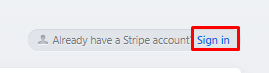
- You will be re-directed to the Stripe Website where you will simply need to sign in to activate this new update.
- Once logged in, the system will refresh and Stripe should direct you back to your Zaui Credit Card Configuration Page, with a green confirmation alert to acknowledge the account has been connected.
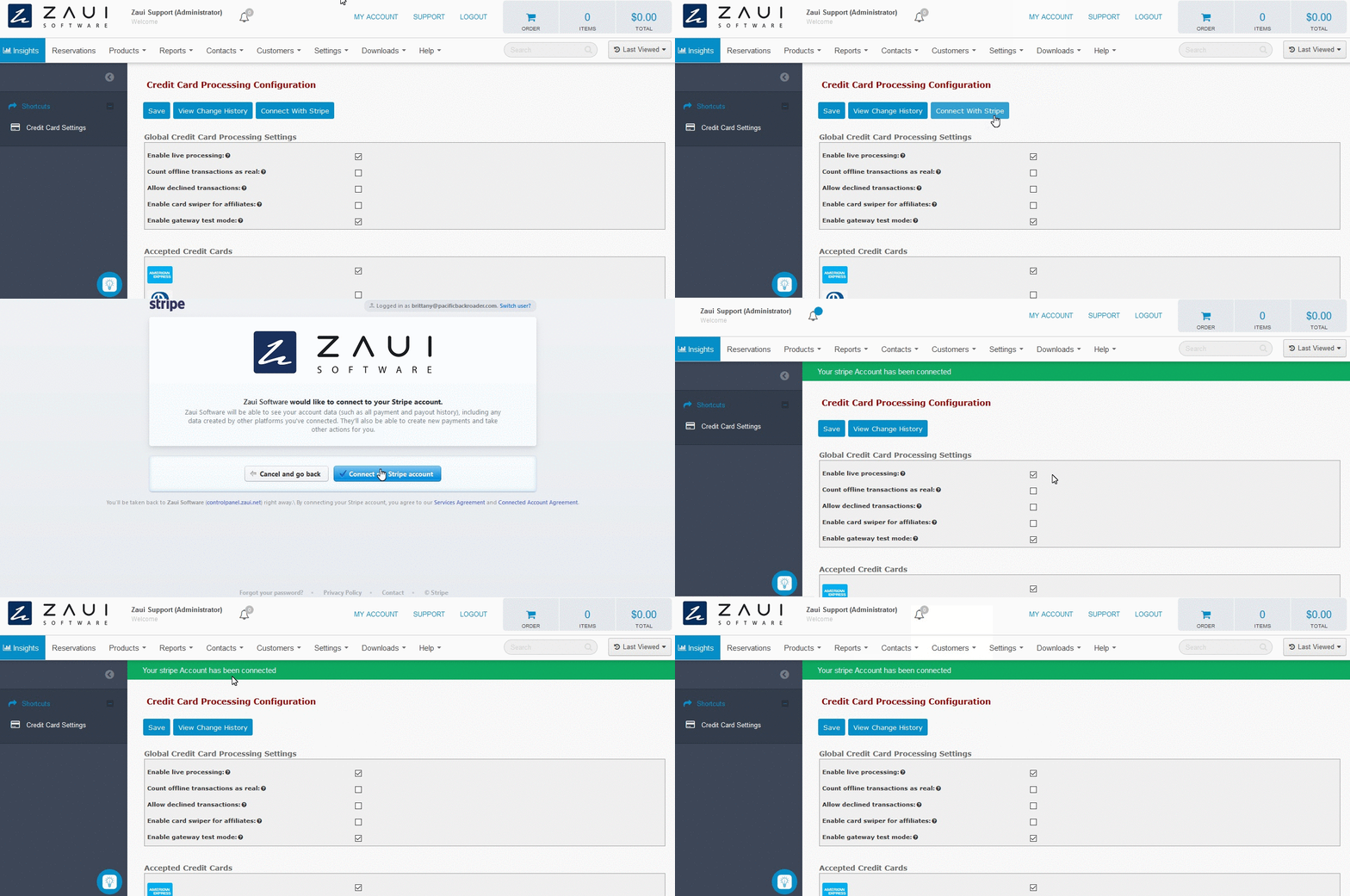
- You are now successfully integrated with the updated Stripe integration!
How do I know if I'm already Connected?
|
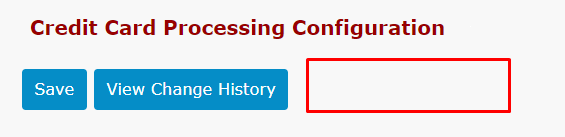
Already Connected? If your system is already connected to the latest Zaui-Stripe integration (Updated as of November 2020), you will not see the "Connect with Stripe" button in this view and no further action is required. |