This article covers how to update your payment details for payment to Zaui. Visit this article for directions about collecting credit card payments from your guests.
To update your payment details with Zaui:
1) Log in to Zaui Core and click Account & Billing. If you don't currently have access to Zaui Core, ask a Zaui Admin on your team to create a user for you.

2) Under Payment Method click Edit Payment Method 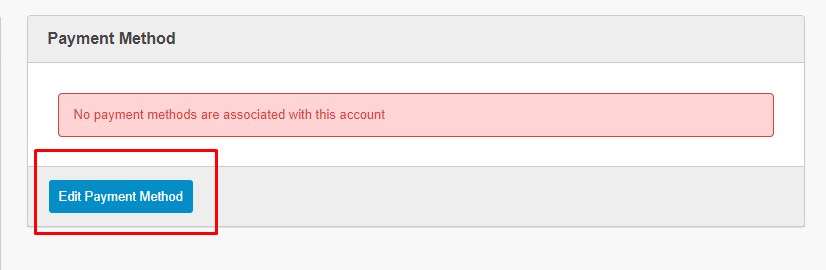
3) Enter your new card details and save with Update Payment Method. Note that only Visa and Mastercard are currently accepted.
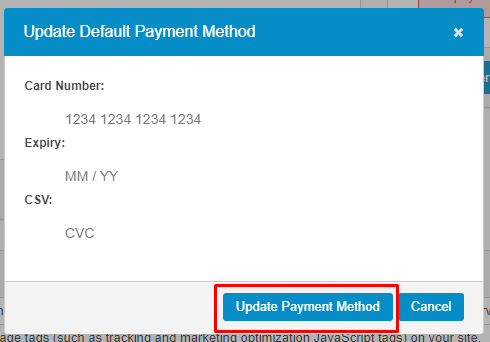
4) Once saved, payment methods will be listed down the page under Payment Methods where you can choose your preferred default card, should you have more than one listed.